

By Nexevolve Team, Odoo Silver Partner, Australia
Odoo 20 manufacturing updates rarely get discussed the way manufacturers and distributors actually experience them. Not as a list of new buttons, but as the exact moments in a working week where things go sideways. A supervisor re-sequencing work orders on a whiteboard. A warehouse team re-picking an order because the route ran long. A technician stuck in traffic with the office unaware. A finance manager closing the books across three entities, hoping the numbers reconcile.
This guide walks through Odoo 20 stage by stage. It follows where a manufacturing or distribution business actually loses time during a normal week, rather than running a straight feature list. Odoo is enterprise resource planning delivered as cloud ERP software in Australia, so every stage below (shop floor, warehouse, field service, back office) already shares the same data.
Where a Manufacturing or Distribution Week Actually Gets Lost
Picture a mid-sized Australian business that both makes and moves product: a joinery manufacturer running three regional warehouses or an industrial parts distributor with its own install crews. On paper, its systems are fine. In practice, a normal week bleeds time in four places: the shop floor, where sequencing depends on who remembers what; the warehouse, where a pick route wasn’t optimised for the stock; the road, where a technician’s day doesn’t reflect real traffic; and the back office, where reconciling entities at month-end is still manual.
None of these are dramatic failures. They’re just friction, repeated daily, that adds up to real cost. Odoo 20 targets these four points, whether you’re managing a manufacturing floor or running distribution across multiple warehouses.
On the Shop Floor: A New Way to See and Re-Sequence Work Orders
Work Order Kanban and Live Load Simulation
The most visible Odoo 20 shop floor change is a new Kanban view for Odoo 20 work orders. It gives supervisors a live picture of workload and deadlines instead of a whiteboard. Paired with a live simulation of work-centre load, a bottleneck shows up before it happens, not after a shift has already fallen behind.
Self-Adjusting Schedules and Instant Shop Floor Updates
Odoo 20 also lets the system reshuffle the running order automatically when priorities shift, instead of a supervisor rebuilding the schedule by hand. Updates made on the tablet now register on the floor instantly too, rather than syncing minutes later. For a manufacturer juggling rush orders against standard production, that’s arguably the clearest example of what Odoo 20 shop floor scheduling is designed to fix.
Quality Checks and Maintenance Finally Keep Up With the Floor
Odoo 20 also closes a gap that’s existed for years: quality control and maintenance used to lag a shift behind the work. Cameras linked to a quality point now capture a photo at the exact step required. A failed check routes the item straight to quarantine instead of sitting with accepted stock. A new equipment-by-equipment planning view puts preventive maintenance and production on the same screen.
In the Warehouse: Routes, Batches and Stock That Predict Itself
Barcode, Batches and Putaway
For warehouse teams, Odoo 20 inventory management changes start with scanning barcodes already printed on incoming cartons. There are also real improvements to routes, batches, waves and putaway rules. Multi-warehouse operations get static min/max reordering rules that hold up across more than one site, a genuine Odoo 20 warehouse management upgrade.
Predictive Replenishment
The more interesting change is AI-based replenishment forecasting, which reads historical movement patterns rather than a fixed reorder point. That’s useful since a fixed reorder point that works for one location is often wrong for another. It’s a meaningful step up for Odoo multi-warehouse operations.
Traceability tightens up too: closing a manufacturing order for a tracked product without a lot or serial number now generates one automatically. Expiration dates are also shown directly in traceability reports. For a distributor chasing a lot a complaint came from, that’s a faster trace, and it matters more every year as recall rules tighten across Australia.
On the Road: Field Service Finally Gets a Live Map
Odoo 20 field service changes start with Field Service merging into the Planning app. The new scheduling view finally accounts for travel time in the Gantt view. Routing optimisation now lives in the map view too, alongside a live map showing where technicians actually are. A dispatcher can now see, adjust and reassign a technician’s day without switching between three screens.
That live map matters most for distributors running install or repair crews: a job that overruns by forty minutes no longer leaves the next customer waiting and wondering, because the system already knows and can flag it before they have to call.
Back in the Office: Margins Without the Guesswork
For a business operating as more than one legal entity, Odoo 20’s per-company lead time customisation and intercompany workflows mean the numbers move through the group correctly, instead of manual adjustment at each entity. Project margin reporting (actual against projected) also gives a finance manager an earlier read on profitability, catching a margin problem while there’s still time to act on it.
Odoo 20 also carries over the anomaly-flagging already built into the accounting side of the release, catching a duplicate vendor payment automatically rather than relying on someone noticing it during reconciliation. We covered this in more detail in our broader look at Odoo 20 pricing, AI features and module updates, worth reading if reconciliation across entities is a live pain point.
What This Means for Australian Manufacturers and Distributors
None of this is unique to Odoo. Every vendor selling ERP software for manufacturers is chasing similar problems. What’s specific to the Australian market is how much of it compounds. A lot of AU manufacturing and distribution businesses run multiple sites across states, and increasingly run field service or install crews as a core part of the business. Odoo 20’s shop floor, warehouse and field service changes matter more here, simply because there’s more coordination overhead to remove in the first place.
For a business already using Odoo, most of this arrives as an upgrade rather than a re-implementation. For one evaluating Odoo distribution software in Australia for the first time, our guide to Odoo manufacturing ERP in Australia covers the fuller case for switching.
It’s also increasingly common for distributors to run a trade ordering portal or direct-to-customer webstore alongside wholesale. If Odoo ecommerce integration is part of your roadmap, that’s a separate conversation, and one more reason Odoo ERP for distributors in Australia increasingly means more than just the warehouse and shop floor.
That case holds just as well for a distributor as it does for a manufacturer. An integrated ERP beats a patchwork of spreadsheets once the shop floor, warehouse and finance data all live in one system. That holds whatever state you operate in or however many sites you run. It’s also why, when businesses compare ERP partners in Australia, we’d rather lead with what actually improves day-to-day efficiency than recite a feature list.
Before You Upgrade: A Manufacturer’s Checklist
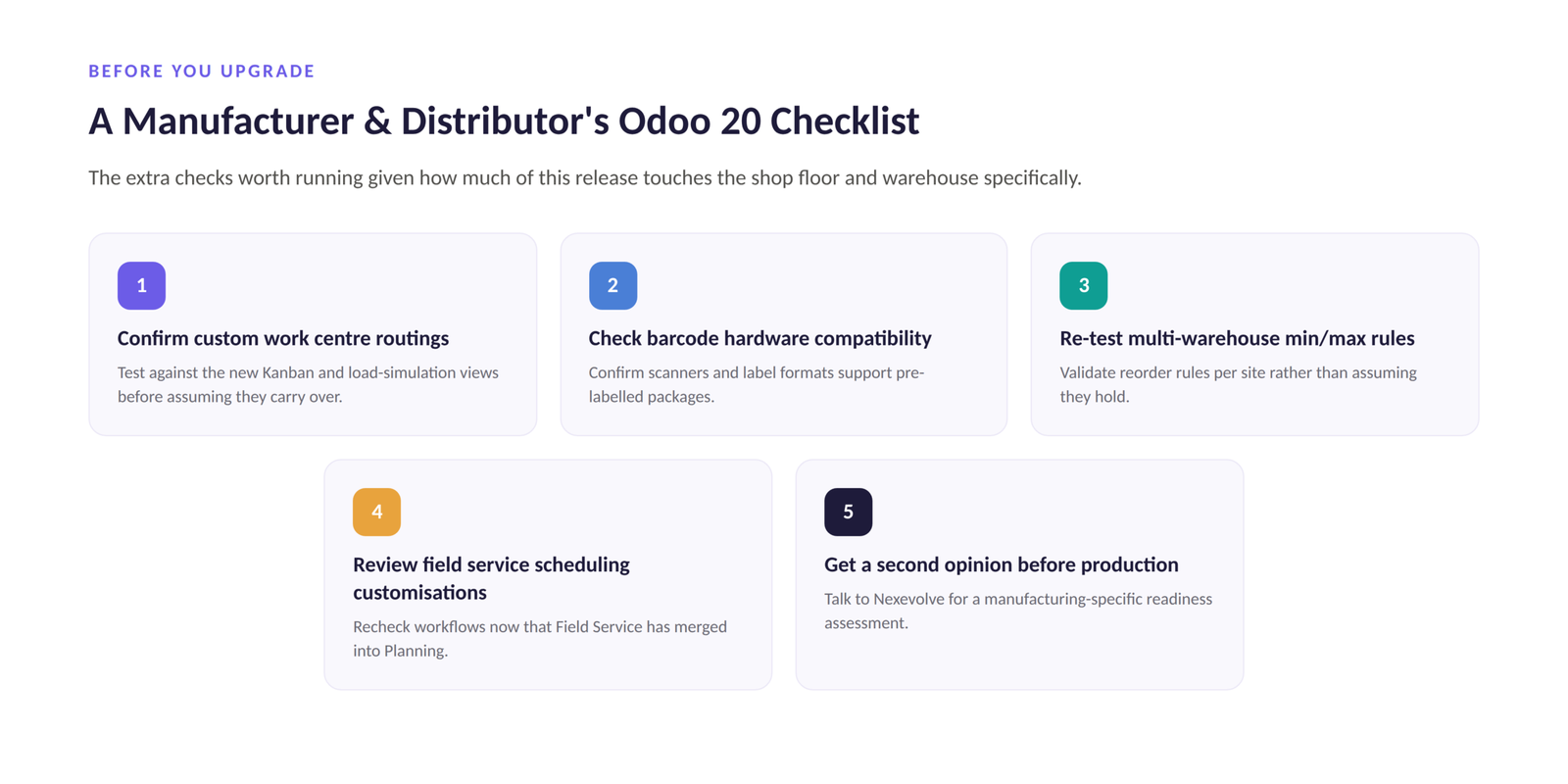
This is our Odoo 20 upgrade guide for manufacturers: clone to staging, test before production, the same process we follow for every Odoo ERP implementation in Australia, plus a few extra checks given how much of this release touches the shop floor and warehouse.
| Check | Why It Matters | |
| 1 | Confirm custom work centre routings | Test them against the new Kanban view and load simulation before assuming they carry over. |
| 2 | Check barcode hardware compatibility | Scanning barcodes already printed on incoming cartons is new in Odoo 20, so confirm your scanners and label formats actually support it. |
| 3 | Re-test multi-warehouse min/max rules | If you run more than one warehouse, re-validate reorder rules per site rather than assuming old settings still carry over. |
| 4 | Review field service scheduling customisations | Any custom Field Service workflows need re-checking now that the app has merged into Planning. |
| 5 | Get a second opinion before production | Talk to Nexevolve for an Odoo 20 readiness assessment specific to manufacturing and distribution workflows, not a generic checklist. |
If shop floor and warehouse operations are the part of your business Odoo 20 would touch, we’ll assess your specific Odoo setup first. We treat every Odoo ERP implementation as a change-management project, not just a software swap. That’s the approach behind every engagement we run.
| Book a Free Odoo 20 Consultation |