
By the Nexevolve team – Odoo Silver Partner, Australia
QUICK TAKE The bottom line: Odoo AI agents are real and already useful today for scoped, well-governed tasks – not a drop-in replacement for judgment and not the all-purpose upgrade the brochure copy suggests either. The businesses getting genuine value from them tend to start narrow and stay in Enterprise territory with eyes open about the cost. If that sounds like more groundwork than the marketing implied, that’s the honest picture and it’s a far better starting point than finding out the hard way. |
Every Odoo partner in Australia seems to have an opinion on Odoo AI agents right now, and most of it reads like a features brochure. Fewer of them tell you what these agents actually do inside a live business. Even fewer cover where the Odoo AI features fall short, or what switching one on really costs after the demo.
This guide skips the hype. We’ll walk through what Odoo’s AI agents can reliably handle today, where they still fall short, a quick checklist for whether your business is ready for Odoo AI implementation, and a safe way to roll one out, so you can decide with real information, not marketing.
What Are Odoo AI Agents?
An Odoo AI agent isn’t a single feature. It’s a configurable AI Agent app, built out across Odoo 17 through 19, that you set up more like a new team member than a switch you flick on. Each agent gets a name and purpose, a choice of language model, a response style (Analytical, Creative or Balanced) and most importantly, a system prompt that defines its role and boundaries. As Odoo’s own documentation explains, agents can also be connected to a Sources tab of internal material – documents, knowledge articles, website pages, PDFs. A “Restrict to Sources” setting stops an agent from answering outside that material altogether.
Beyond answering questions, Odoo AI agents are action-capable. Through pre-built Topics such as Natural Language Search, Information Retrieval, and Create Leads, an agent can create records, update fields, trigger workflows, and open views, not just talk about doing it. This is where AI automation in Odoo starts to look less like a chatbot bolted on top, and more like genuine Odoo AI integration with the workflows your team already runs.
What Odoo AI Agents Can Reliably Do Today
Set up with clean source material and a tightly scoped system prompt, these are the Odoo AI agent use cases and Odoo AI features that hold up in practice right now:
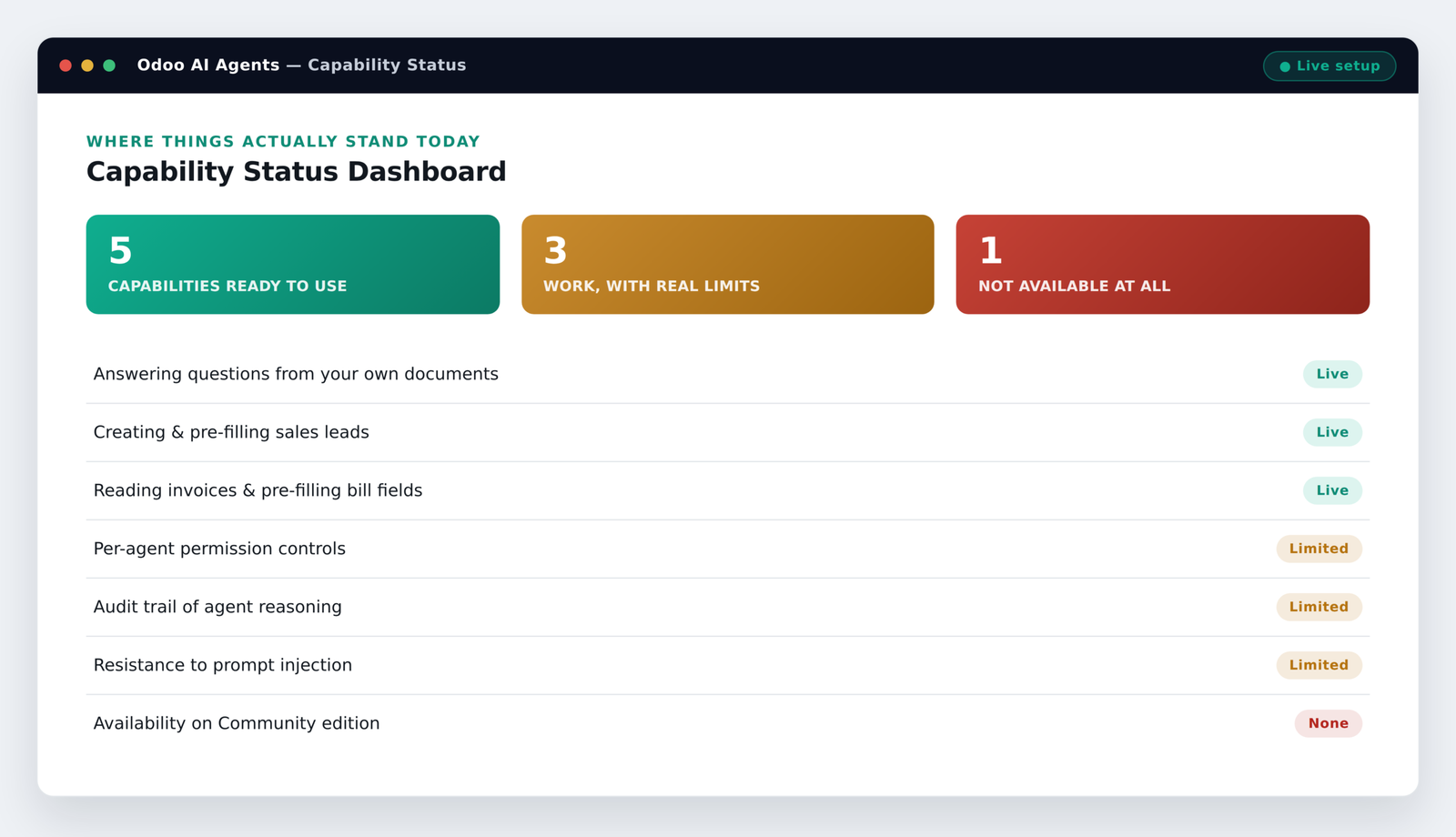
| CAPABILITY | WHAT IT MEANS |
| Answer internal questions | HR policy, product specs, onboarding steps; straight from your own documents, instead of someone hunting through a shared drive. |
| Create and pre-fill sales leads | From a web form or chat conversation, a rep opens a record that’s already populated. |
| Read scanned invoices | And pre-fill vendor bill fields for a human to check before anything posts. |
| Handle first-response live chat | Escalating anything it can’t resolve with confidence. |
Key Benefits of Adopting Odoo AI Agents Early
Used deliberately rather than switched on blindly, an early, well-governed Odoo AI automation rollout tends to bring a few compounding advantages:
- Time back on repetitive admin : lead entry, first-response replies and document data entry stop eating a staff member’s morning, freeing up time for higher-value work like the picking and packing efficiency gains we’ve covered before.
- Faster internal answers : staff self-serve from company knowledge instead of interrupting someone else to ask.
- A head start on the learning curve : while a well-governed AI setup is still a differentiator, not yet the baseline expectation.
What This Looks Like for an Australian Business
These are illustrative Odoo AI automation examples showing the pattern in practice for Australian businesses, not documented case studies of specific companies:
- A distributor’s support inbox : an agent answers common product and freight questions from a knowledge base of PDFs, restricted to sources so it never improvises an answer that isn’t in the documents, escalating anything it can’t answer.
- An operations team’s invoice pile : an agent scans a batch of scanned supplier invoices and pre-fills the vendor bill fields, leaving a human to check and confirm before anything posts. It’s a lighter-weight version of the manual reconciliation problem we covered in our piece on the hidden cost of running a 3PL on spreadsheets.
One more thing worth flagging for Australian businesses specifically: whenever an agent is reading documents or emails that include personal information, it’s worth checking that data handling still lines up with your obligations under the Australian Privacy Principles. None of this is unique to AI, but an agent reading through inboxes and file stores tends to surface it faster than a person would.
It’s the same underlying discipline we applied in our Artego wholesale operations case study – transparent, automated reporting that a person can still check, rather than a black box. That’s the standard Odoo AI for Australian businesses should hold any rollout to.
Where Odoo AI Agents Still Fall Short
This is the part most vendor content skips. Based on our own hands-on implementation work and what’s confirmed in Odoo’s own documentation, here are a handful of real constraints worth knowing before you rely on one:
| LIMITATION | WHY IT MATTERS |
| No per-agent permission model | An agent operates within the general access rights of whatever user account it runs under, not a narrower set of its own. |
| No built-in audit trail of an agent’s reasoning | You can see that a record changed; you can’t always see why the agent decided to change it, weeks later. |
| Prompt injection risk | Because agents read emails, chat messages and uploaded documents, a cleverly worded input can push an agent past the instructions in its own system prompt. |
| Enterprise-only | Native AI agents, AI fields and AI server actions aren’t available on Odoo Community edition at all, which matters if you’re budgeting for this. |
None of this means Odoo AI agents aren’t worth using, it means Odoo Enterprise AI agents are worth using deliberately, with the same caution you’d apply to giving a new junior staff member access to your systems on day one.
Getting Started Safely: A Simple Rollout Plan
The risk with Odoo AI implementation isn’t usually the technology, it’s skipping straight from demo to production. A safer path looks like this:
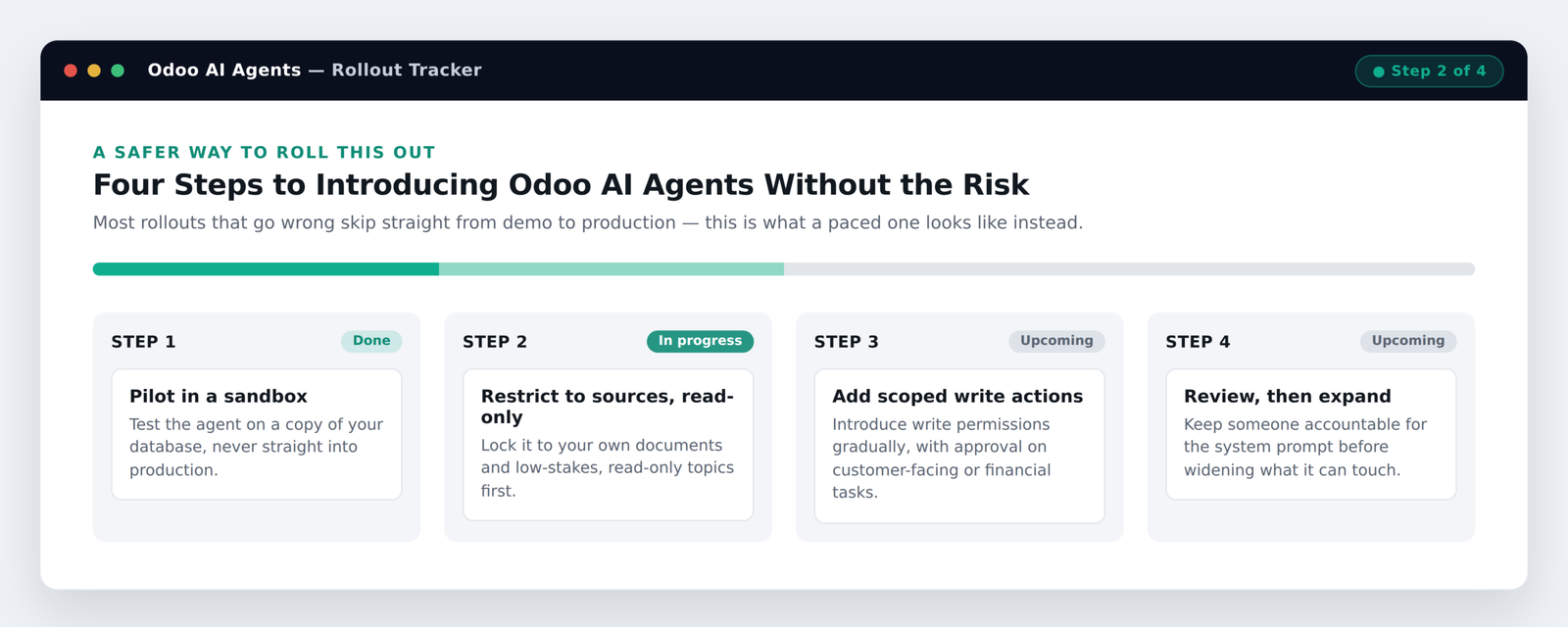
| STEP | WHAT TO DO |
| Pilot in a sandbox | Test the agent on a copy of your database, never straight into production. |
| Restrict to sources, read-only | Lock it to your own documents and low-stakes, read-only topics first. |
| Add scoped write actions | Gradually, with human approval on anything customer-facing or financial. |
| Review, then expand | Keep someone accountable for the system prompt before widening what the agent can touch. |
Is Your Business Ready for Odoo AI Agents?
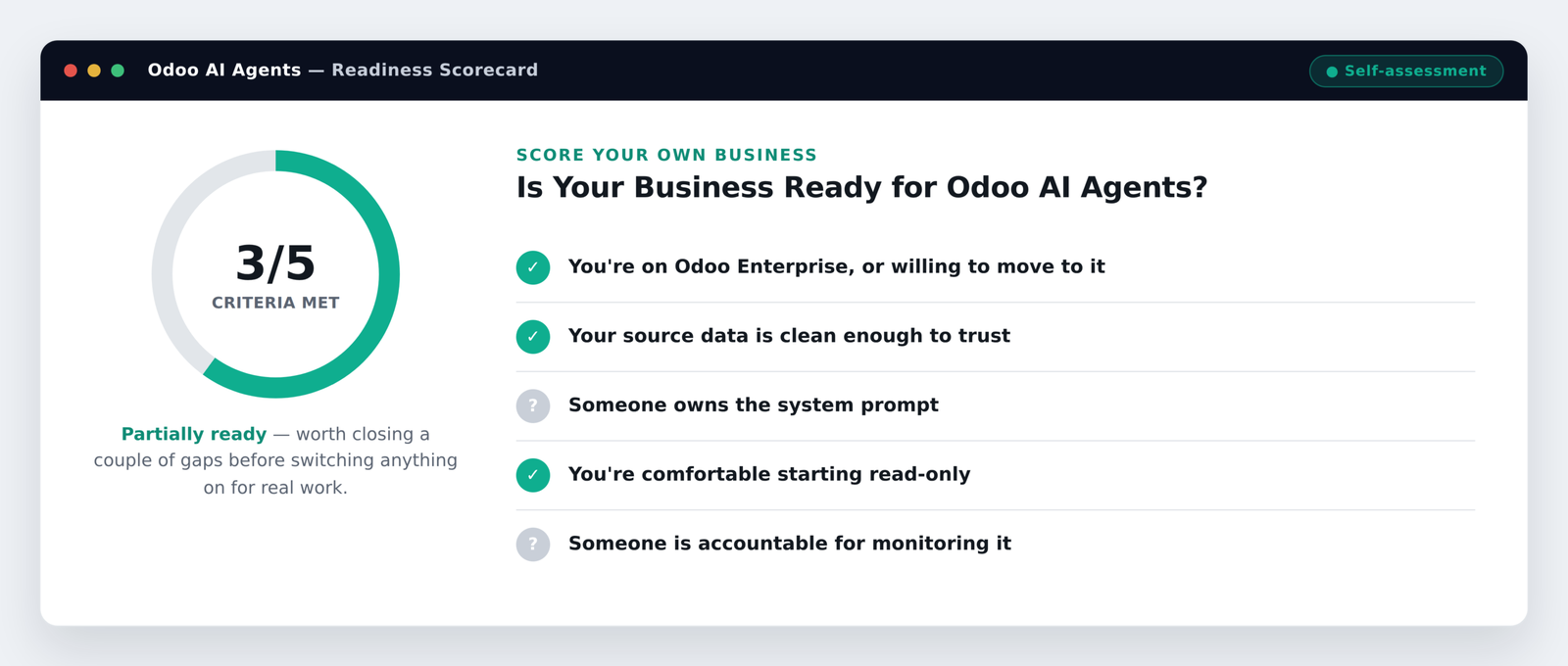
Before switching anything on, it’s worth being honest about where your business actually sits:
| CRITERION | WHAT TO CHECK |
| You’re on Odoo Enterprise | Or willing to move to it, Community edition doesn’t get native AI agents at all. |
| Your source data is clean enough to trust | An agent trained on messy records will answer messy questions with confident, wrong answers. |
| Someone owns the system prompt | And reviews it periodically, rather than switching it on and forgetting about it. |
| You’re comfortable starting read-only | Low-stakes topics first, write access to production data later, if at all. |
| Someone is accountable for monitoring it | Since Odoo doesn’t hand you a full audit trail out of the box. |
TALK TO NEXEVOLVE Not sure where your own setup lands on that checklist? Our team can review your current Odoo configuration and map out what a safe Odoo AI implementation would actually look like for your business. |